Patient Services and Information Gateway
Changes to How You Contact Us
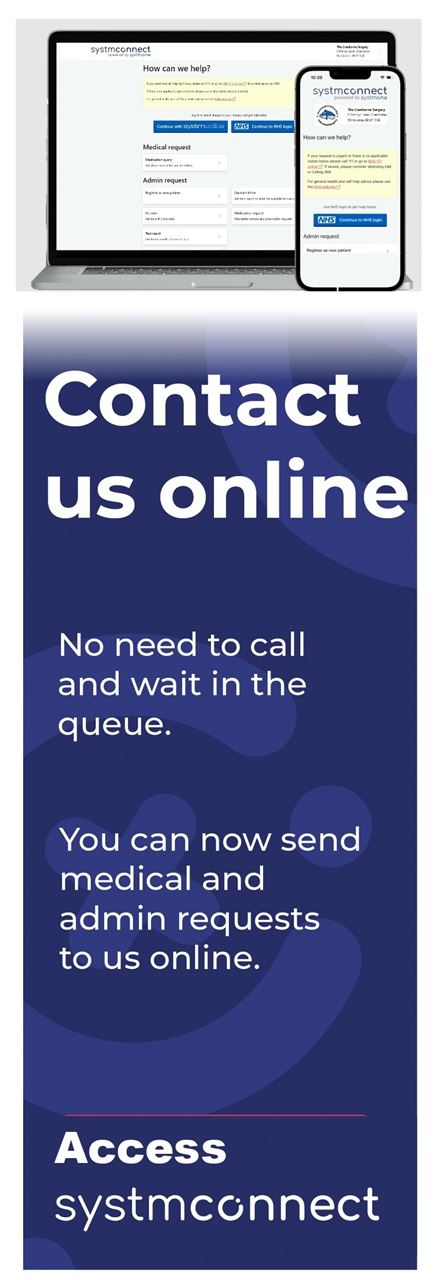
For improved service to handle your enquiry we have moved away from email to a secure online form using SystmConnect.
Since the 1st September 2026, The Cranborne Practice no longer accepts medical or admin requests via email.
Over recent years, the volume of emails sent to the practice has grown significantly. While email has been a useful tool, managing requests this way is no longer sustainable or safe for our team and patients alike.
To ensure we continue providing high-quality, secure care, we are asking patients to stop using email and use SystmConnect instead for non-urgent medical and admin queries.
Why the change? A better, safer experience for you
We understand that change can take a bit of getting used to, but moving away from email brings major benefits to your overall care:
- Direct to your medical record: When you submit a request through SystmConnect, it links directly and securely into your patient record. This dramatically reduces administrative errors and protects your confidential data far better than standard email.
- Faster turnaround: SystmConnect asks a few targeted questions about your issue. This ensures your request gets triaged immediately to the right clinical or administrative team member, helping us respond to you faster.
- No password or registration hassle: You do not need to create an account, register, or remember a login password to use SystmConnect.
- Protecting your personal data: Our online forms do not result in your email to the practice remaining in your sent items.
Note: You can continue to book GP appointments through the NHS App, SystmOnline, or over the phone.
Our commitment to patient choice
We want to reassure all of our patients that we are not going "digital only." We remain fully committed to accessible care and patient choice. While email is being phased out, you can choose whichever contact method works best for you:
- Online: Use SystmConnect via our website, or use the NHS App.
- By Phone: Call our friendly reception team as normal on 01202 822825 or 01725 517272.
- In Person: Visit the reception desk at either of our surgery locations.
Ready to try SystmConnect?
You don't need to wait until September 1st! You can start using SystmConnect today for medical advice, sick note requests, medication reviews, test results, and general admin queries.
If you have any questions about this transition, please speak to a member of our team during your next contact. Thank you for your continued support as we work to make our services safer and more efficient for everyone.
What can I do with SystmConnect
In addition to phone and in person, we now offer patients the opportunity to contact the Practice using SystmConnect to:
- Request a fit / sick note
- Provide a blood pressure reading
- Request a Medication Review
- Ask about your test results
- Ask us about a medication you’re taking
- Enquire about becoming a new Patient
- Ask for a Doctor’s report or letter
You do not need to have a SystmOnline account to use this service, but if you log in using your SystmOnline account or NHS login details, it will save you from having to enter some of your personal information.
IMPORTANT: The SystmConnect service is NOT for booking appointments or services other than those above. Requests outside the types above will be returned, and you will be asked to contact us by phone, email or other online options to complete your request.
What happens next
When you get in touch, we use the information you give us to evaluate:
- what kind of care or service you need
- who is the right person to help you — a GP, nurse, or another health professional
- how quickly you may need to be seen
If you need help with your appointment
When requesting care, please tell us:
- If you need an interpreter
- If you would like a chaperone to accompany you
- If you have any other access or communications needs.
We will always do our best to support you.

Understanding Your GP Appointment:
A Patient’s Guide to Getting the Most from Your Ten Minutes.
The Best Way to Use Your Appointment Time
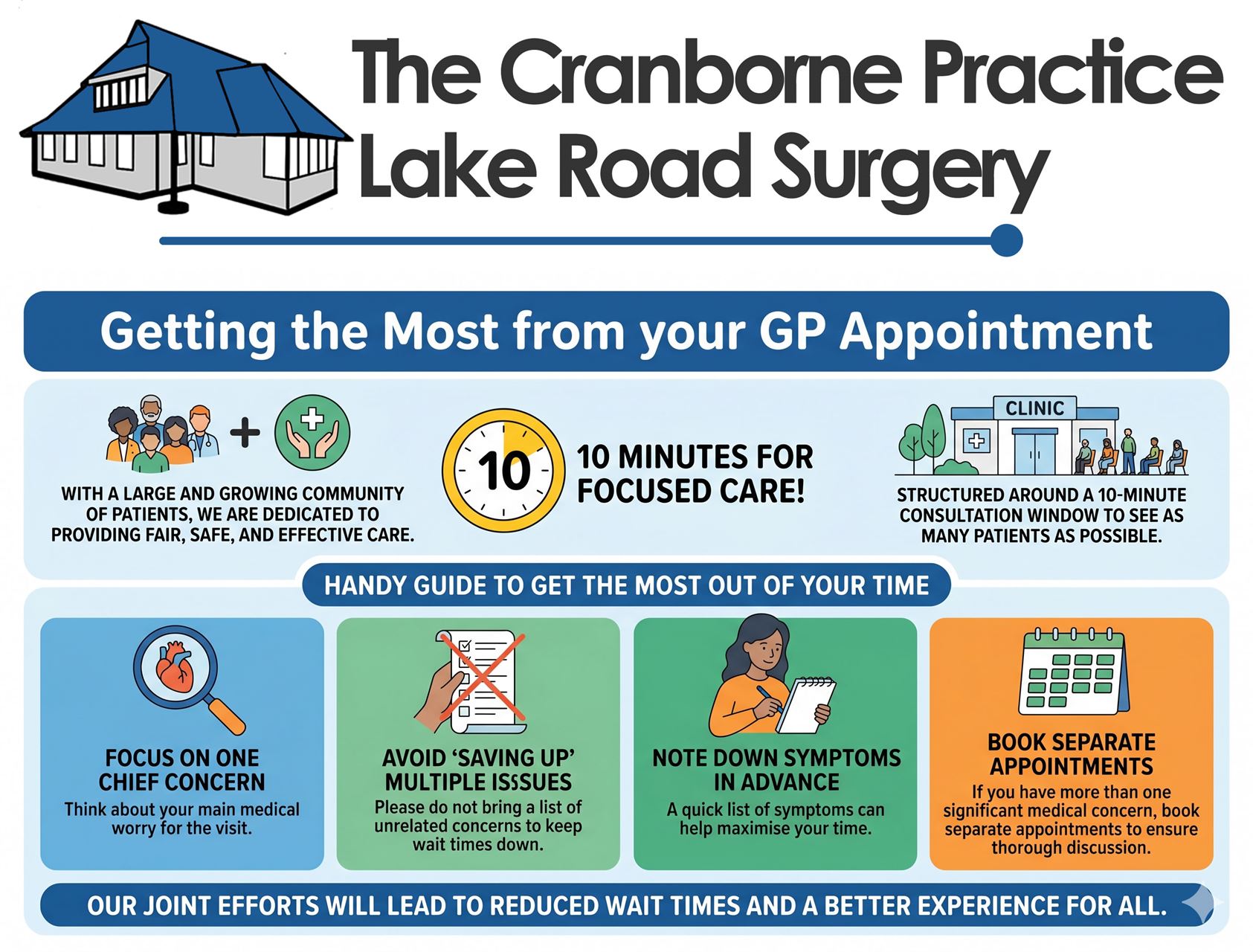
- Focus on One Chief Concern: For the duration of your ten-minute consultation, it is best to focus on one main medical issue. This allows for a more thorough exploration of that issue without the pressure of time constraints.
- Avoid ‘Saving Up’ Multiple Issues: We understand it can be tempting to address several minor issues during one visit, but this approach is less safe. Rushing through a list of unrelated concerns means each one receives less focused attention. It also leads to appointments running late, causing frustration for patients waiting and placing significant pressure on our clinical staff.
- Write Down Your Symptoms in Advance: Preparing a concise list of your symptoms before you arrive can help you prioritize your main concerns and make the discussion more efficient.
- Address Your Most Important Concern: Prioritize your biggest medical worry for your ten-minute slot.
- Book Separate Appointments for Multiple Concerns: If you have more than one significant, unrelated medical issue, please request separate appointments. This gives each concern the time and attention it needs and prevents longer wait times for other patients.
- Reduced wait times in the waiting room.
- More thorough discussions about each concern.
- Safe and effective working conditions for our doctors.
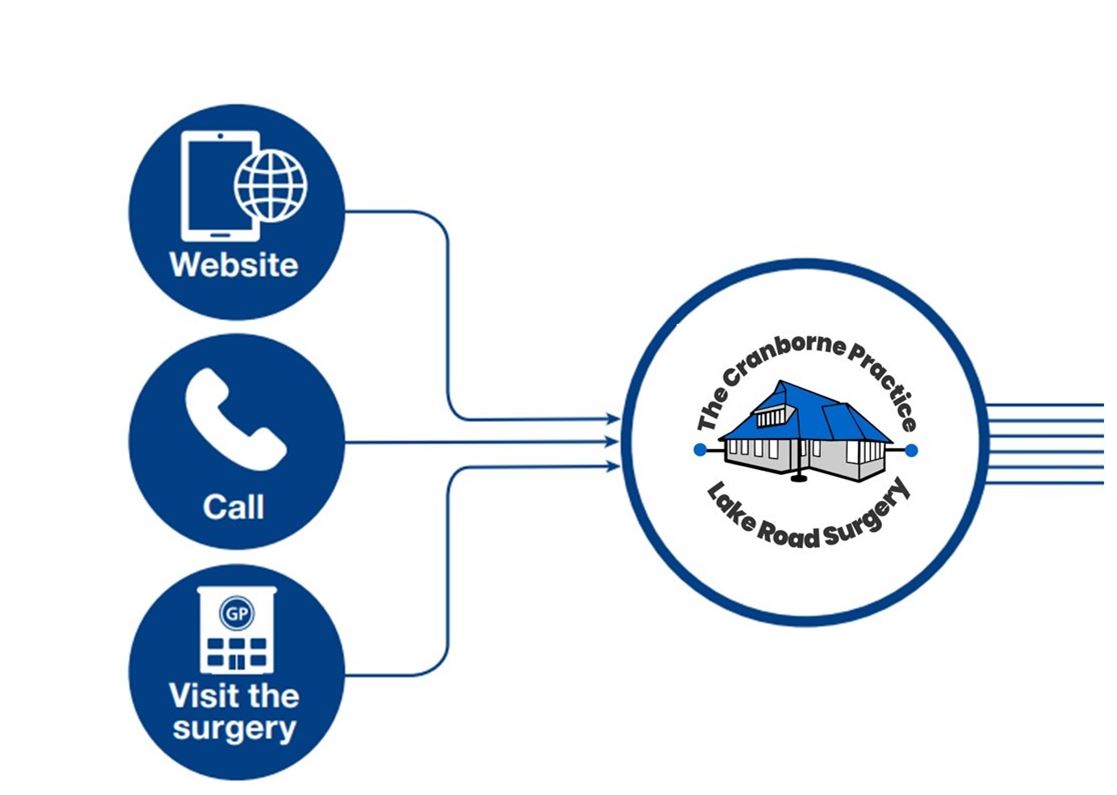
There are three ways to get in touch with us
We offer a range of ways to get in touch online for your health and well-being needs. You can:
- Use this website
- Call Us
- Visit the surgery
However you choose to contact us, our dedicated medical team will respond based on your unique circumstances.
Scroll down to find out more about the options to get in touch with us.
You can visit us in person
Visit us at either our Cranborne surgery or at Lake Road surgery:

Cranborne Surgery
Pennys Lane
Cranborne
Dorset
BH21 5QE
What3Words locator address: snow.soups.ships
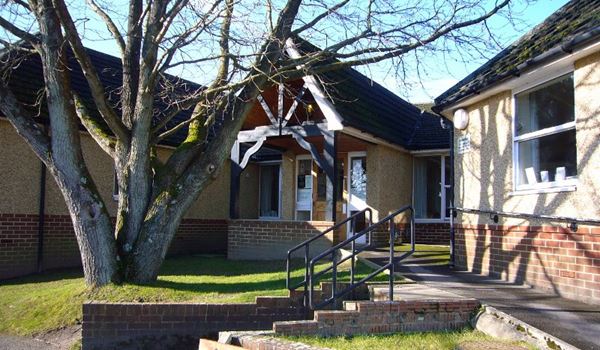
Lake Road Surgery
Lake Road
Verwood
Dorset
BH31 6EH
What3Words locator address: shatters.handfuls.woke
To view a map of where to find us, visit our Contact Us page on the Practice website, or use the What3Words app to find our location.
To view surgery opening times and find out what to do when we are closed, please visit our Opening Hours page.
You can reach us by telephone
Our phone lines are open Monday through Friday from 8 am to 6.30 pm.
Closed Saturdays, Sundays and Bank Holidays.
You can call us on 01725 517272 or 01202 822825.
However, we ask that you use our online options for routine requests wherever possible. Doing so will assist us by keeping our phone lines free for those who need urgent medical help or cannot access online sources of information.
You can contact us online
We offer several quick and secure ways to manage your health, request care, or contact the practice online.
1. Book an Appointment
-
Same-Day GP Appointments: Book online using your NHS App, SystmOnline account, or the Airmid App.
-
Routine Blood Tests: Book directly using the NHS App, SystmOnline, or Airmid App.
-
Nurse and Healthcare Assistant (HCA) Appointments: For all other nurse or HCA appointments, please complete our Nurse and Healthcare Assistant Booking Form.
Need more details? Read more about how to book and cancel practice appointments..
2. Cancel an Appointment
-
Less than 24 hours' notice: Cancel instantly using your NHS App or SystmOnline account.
-
More than 25 hours' notice: Cancel using our dedicated Cancel an Appointment form.
3. Order a Repeat Prescription
Request your repeat medication using the SystmOnline, the NHS or SystmConnect.
4. Get Test Results
-
View Results Online: View and download your test results anytime via the NHS App, SystmOnline, or Airmid App.
-
Request Results: Submit a request online using SystmConnect.
5. View Your Medical Record
Access your personal medical records securely through the NHS App, SystmOnline, or the Airmid App.
6. Health Assessments and Reviews
If we have asked you to complete a routine health review (such as Asthma, Breathlessness, Smoking, or Contraceptive Pill reviews), please complete the relevant Online Health Review Forms..
7. Administrative Requests
Submit administrative requests (such as asking for a Fit Note / Sick Note) or initiate a medical review using our SystmConnect Online Service or through your NHS App.
8. General Enquiries
-
Non-Urgent Messages: Send a secure non-urgent message via your NHS App or SystmOnline account.
-
General Enquiries Form: Send us a message using our General Enquiries Contact Form..
Please note: The general enquiry form is for administrative questions only and cannot be used for medical or clinical matters.
Page created: 14 October 2026